Swift 6.3 Released


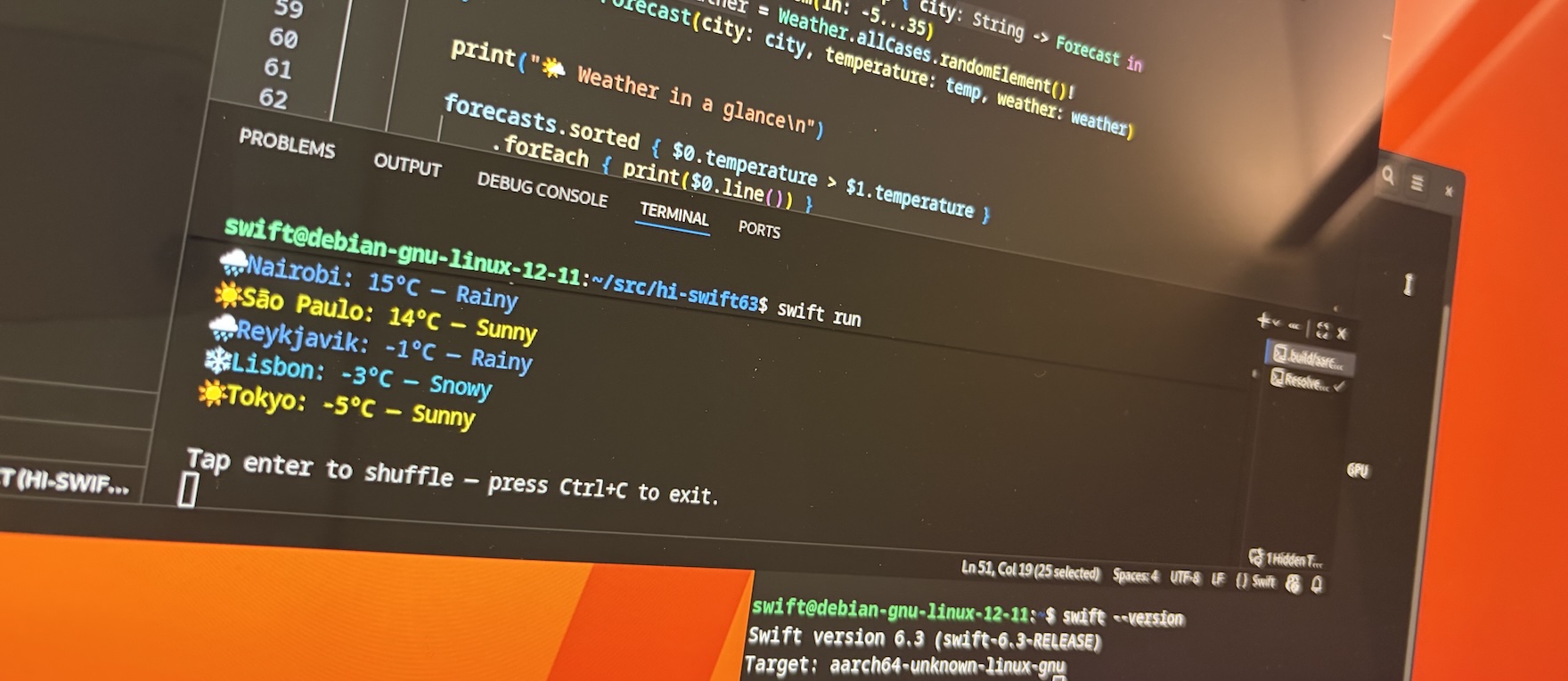
Swift is designed to be the language you reach for at every layer of the software stack. Whether you’re building embedded firmware, internet-scale services, or full-featured mobile apps, Swift delivers strong safety guarantees, performance control when you need it, and expressive language features and APIs.
Swift 6.3 makes these benefits more accessible across the stack. This release expands Swift into new domains and improves developer ergonomics across the board, featuring:
- More flexible C interoperability
- Improvements to cross-platform build tooling
- Improvements for using Swift in embedded environments
- An official Swift SDK for Android
Read on for an overview of the changes and next steps to get started.
Language and Standard Library
C interoperability
Swift 6.3 introduces the @c attribute, which lets you expose Swift functions and enums to C code in your project. Annotating a function or enum with @c prompts Swift to include a corresponding declaration in the generated C header that you can include in your C/C++ files:
@c
func callFromC() { ... }
// Generated C header

void callFromC(void);
You can provide a custom name to use for the generated C declaration:
@c(MyLibrary_callFromC)
func callFromC() { ... }
// Generated C header

void MyLibrary_callFromC(void);
@c also works together with @implementation. This lets you provide a Swift implementation for a function declared in a C header:
// C header

void callFromC(void);
// Implementation written in Swift

@c @implementation
func callFromC() { ... }
When using @c together with @implementation, Swift will validate that the Swift function matches a pre-existing declaration in a C header, rather than including a C declaration in the generated header.
Module name selectors
Swift 6.3 introduces module selectors to specify which imported module Swift should look in for an API used in your code. If you import more than one module that provides API with the same name, module selectors let you disambiguate which API to use:
import ModuleA
import ModuleB

let x = ModuleA::getValue() // Call 'getValue' from ModuleA
let y = ModuleB::getValue() // Call 'getValue' from ModuleB
Swift 6.3 also enables using the Swift module name to access concurrency and String processing library APIs:
let task = Swift::Task {
  // async work
}
Performance control for library APIs
Swift 6.3 introduces new attributes that give library authors finer-grained control over compiler optimizations for clients of their APIs:
- Function specialization: Provide pre-specialized implementations of a generic API for common concrete types using
@specialize. - Inlining: Guarantee inlining — a compiler optimization that expands the body of a function at the call-site — for direct calls to a function with
@inline(always). Use this attribute only when you’ve determined that the benefits of inlining outweigh any increase in code size. - Function implementation visibility: Expose the implementation of a function in an ABI-stable library to clients with
@export(implementation). This allows the function to participate in more compiler optimizations.
For a full list of language evolution proposals in Swift 6.3, see the Swift Evolution dashboard.
Package and Build Improvements
Swift 6.3 includes a preview of Swift Build integrated into Swift Package Manager. This preview brings a unified build engine across all supported platforms for a more consistent cross-platform development experience. To learn more, check out Preview the Swift Build System Integration. We encourage you to try it in your own packages and report any issues you encounter.
Swift 6.3 also brings the following Swift Package Manager improvements:
- Prebuilt Swift Syntax for shared macro libraries: Factor out shared macro implementation code into a library with support for swift-syntax prebuilt binaries in libraries that are only used by macros.
- Flexible inherited documentation: Control whether inherited documentation is included in command plugins that generate symbol graphs.
- Discoverable package traits: Discover the traits supported by a package using the new
swift package show-traitscommand.
For more information on changes to Swift Package Manager, see the SwiftPM 6.3 Release Notes.
Core Library Updates
Swift Testing
Swift Testing has a number of improvements, including warning issues, test cancellation, and image attachments.
- Warning issues: Specify the severity of a test issue using the new
severityparameter toIssue.record. You can record an issue as a warning usingIssue.record("Something suspicious happened", severity: .warning). This is reflected in the test’s results, but doesn’t mark the test as a failure. - Test cancellation: Cancel a test (and its task hierarchy) after it starts using
try Test.cancel(). This is helpful for skipping individual arguments of a parameterized test, or responding to conditions during a test that indicate it shouldn’t proceed. - Image attachments: Attach common image types during a test on Apple and Windows platforms. This is exposed via several new cross-import overlay modules with UI frameworks like UIKit.
The list of Swift Testing evolution proposals included in Swift 6.3 are ST-0012, ST-0013, ST-0014, ST-0015, ST-0016, ST-0017, and ST-0020.
DocC
Swift 6.3 adds three new experimental capabilities to DocC:
- Markdown output: Generate Markdown versions of your documentation pages alongside the standard rendered JSON covering symbols, articles, and tutorials. Try it out by passing
--enable-experimental-markdown-outputtodocc convert. - Per-page static HTML content: Embed a lightweight HTML summary of each page — including title, description, availability, declarations, and discussion — directly into the index.html file within a
<noscript>tag. This improves discoverability by search engines and accessibility for screen readers without requiring JavaScript. Try it out by passing--transform-for-static-hosting --experimental-transform-for-static-hosting-with-contenttodocc convert. -
Code block annotations: Unlock new formatting annotations for code blocks, including
nocopyfor disabling copy-to-clipboard,highlightto highlight specific lines by number,showLineNumbersto display line numbers, andwrapto wrap long lines by column width. Specify these options in a comma-separated list after the language name on the opening fence line:```swift, nocopy let config = loadDefaultConfig() ``````swift, highlight=[1, 3] let name = "World" // highlighted let greeting = "Hello" print("\(greeting), \(name)!") // highlighted ``````swift, showLineNumbers, wrap=80 func example() { /* ... */ } ```DocC validates line indices and warns about unrecognized options. Try out the new code block annotations with
--enable-experimental-code-block-annotations.
Platforms and Environments
Embedded Swift
Embedded Swift has a wide range of improvements in Swift 6.3, from enhanced C interoperability and better debugging support to meaningful steps toward a complete linkage model. For a detailed look at what’s new in embedded Swift, see Embedded Swift Improvements coming in Swift 6.3.
Android
Swift 6.3 includes the first official release of the Swift SDK for Android. With this SDK, you can start developing native Android programs in Swift, update your Swift packages to support building for Android, and use Swift Java and Swift Java JNI Core to integrate Swift code into existing Android applications written in Kotlin/Java. This is a significant milestone that opens new opportunities for cross-platform development in Swift.
To learn more and try out Swift for Android development in your own projects, see Getting Started with the Swift SDK for Android.
Thank You
Swift 6.3 reflects the contributions of many people across the Swift community — through code, proposals, forum discussions, and feedback from real-world experience. A special thank you to the Android Workgroup, whose months of effort — building on many years of grassroots community work — brought the Swift SDK for Android from nightly previews to an official release in Swift 6.3.
If you’d like to get involved in what comes next, the Swift Forums are a great place to start.
Next Steps
Try out Swift 6.3 today! You can find instructions for installing a Swift 6.3 toolchain on the Install Swift page.
Authors